Strings are the most common data type you handle in JavaScript, and the built-in methods cover most of what you need without a library. This guide groups the methods you will use most by the job they do, with the exact output of each example.
One rule to remember first: strings are immutable. Every method below returns a new string (or another value) and leaves the original untouched.
Searching inside a string
Use includes, startsWith and endsWith when you only need a yes or no answer.
const file = "report-2024.pdf";

file.includes("2024"); // true
file.startsWith("report"); // true
file.endsWith(".pdf"); // true
Use indexOf when you need the position. It returns -1 when nothing is found, so compare against -1 rather than treating the result as a boolean.
"banana".indexOf("an"); // 1
"banana".lastIndexOf("an"); // 3
"banana".indexOf("x"); // -1
Extracting part of a string
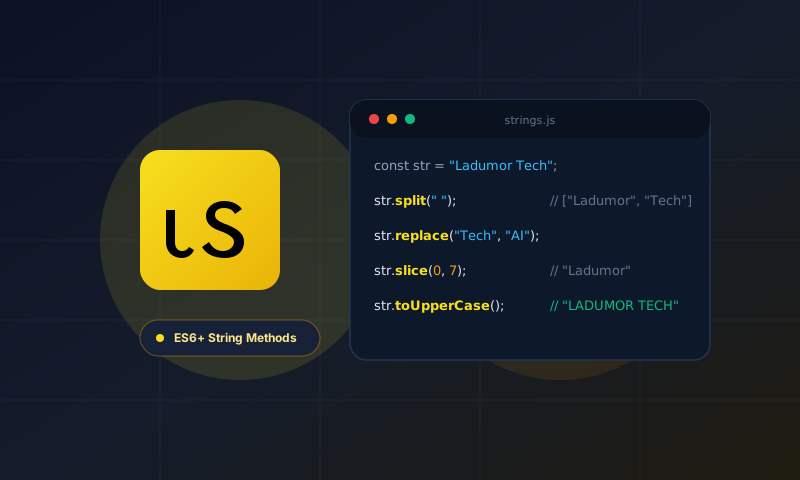
slice(start, end) is the method to reach for. It accepts negative numbers, which count from the end, and end is not included in the result.
const id = "user-48213";

id.slice(5); // "48213"
id.slice(0, 4); // "user"
id.slice(-5); // "48213"
substring is similar but treats negative values as 0, which makes it easy to get a surprising result. Prefer slice unless you have a reason not to.
The at method reads a single character and also accepts negative positions:
"hello".at(0); // "h"
"hello".at(-1); // "o"
Changing a string
replace changes the first match only. replaceAll changes every match.
"a-b-c".replace("-", "_"); // "a_b-c"
"a-b-c".replaceAll("-", "_"); // "a_b_c"
Change case with toLowerCase and toUpperCase. When you compare user input, normalise both sides first:
const same = "Ladumor".toLowerCase() === "LADUMOR".toLowerCase(); // true
Trimming and padding
trim removes whitespace from both ends. trimStart and trimEnd remove it from one side.
" hello ".trim(); // "hello"
padStart and padEnd fill a string to a fixed length, which is useful for numbers and aligned output.
String(7).padStart(3, "0"); // "007"
"id".padEnd(5, "."); // "id..."
Splitting and joining
split turns a string into an array. Joining the array back gives you a simple way to transform text.
"red,green,blue".split(","); // ["red", "green", "blue"]

"hello world".split(" ").map((w) => w[0].toUpperCase() + w.slice(1)).join(" ");
// "Hello World"
Matching with regular expressions
match returns the matches for a pattern. With the g flag it returns every match as an array. matchAll returns each match with its capture groups.
"a1b22c333".match(/\d+/g); // ["1", "22", "333"]

for (const m of "2024-10-08".matchAll(/(\d+)-(\d+)-(\d+)/g)) {
  console.log(m[1], m[2], m[3]); // 2024 10 08
}
Comparing strings correctly
The < and > operators compare by character code, which gives the wrong order for many languages. Use localeCompare when you sort text people will read.
["é", "z", "a"].sort((a, b) => a.localeCompare(b)); // ["a", "é", "z"]
Quick reference
| Task | Method |
|---|---|
| Does it contain text? | includes |
| Take part of it | slice |
| Replace every match | replaceAll |
| Remove outer spaces | trim |
| Pad to a length | padStart, padEnd |
| Split into pieces | split |
| Sort for people | localeCompare |
If you want to try case changes quickly, our Case Converter runs in your browser.